Kite
· 1 min read
Arc changed how I use a browser. Spaces for each part of my life, a sidebar instead of a strip of tabs, folders that hold a project together. Then The Browser Company moved on to Dia and Arc went into maintenance. It still works, but nothing new is coming, and I didn’t want to go back to a row of tabs.
So I built Kite.
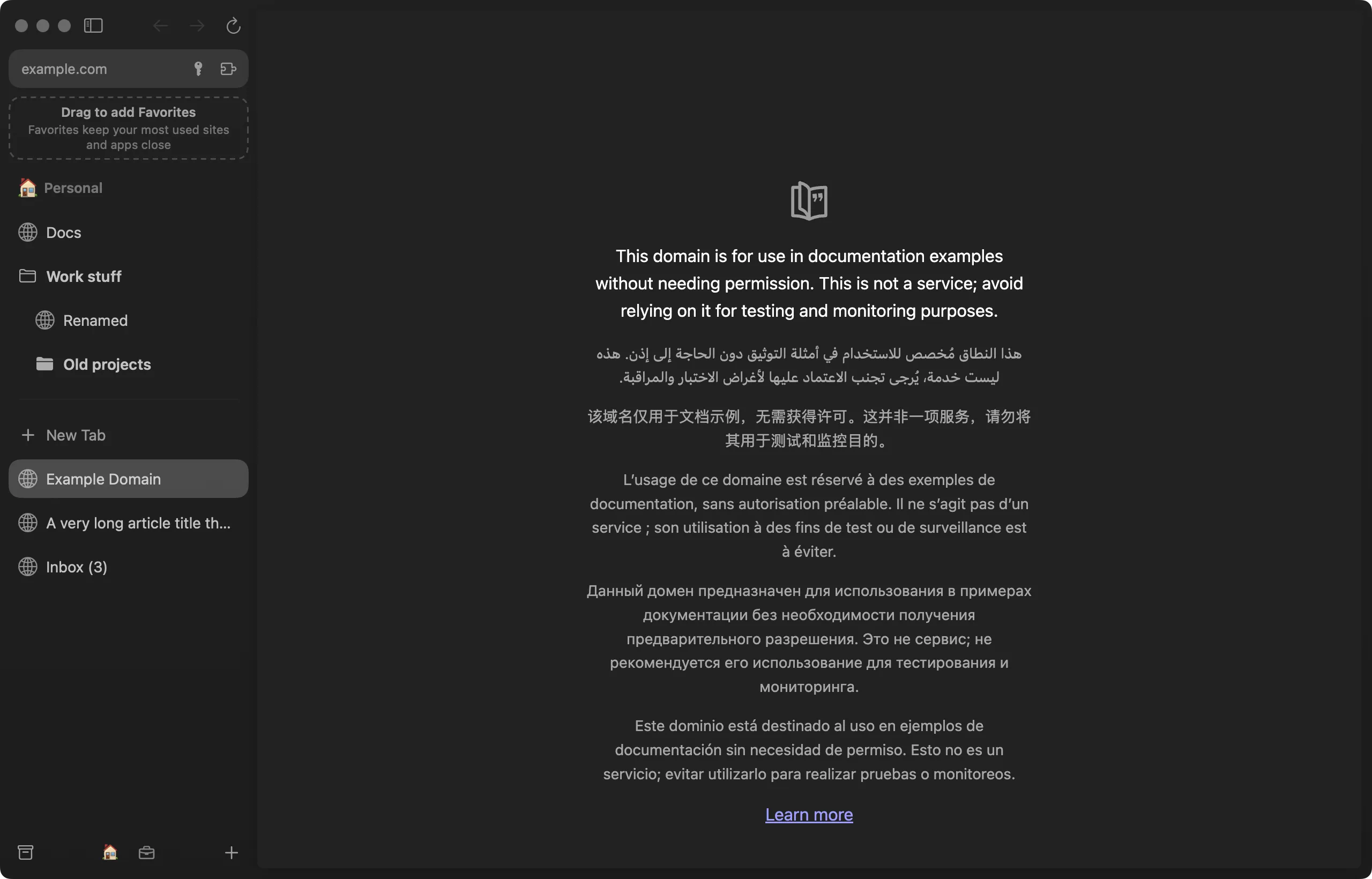
What it is
Kite is a browser in the spirit of Arc: spaces, folders, pinned tabs, Favorites, split view, Peek, Little Kite windows and a command bar. It’s a native Mac app on Chromium, so sites behave as they do in Chrome. Coming from Arc takes one step: import finds Arc’s data on its own and brings your spaces, tabs and extensions with it.
Claude in the browser
The part I use most is Claude. Claude can browse in tabs of its own, filed in a Claude folder inside whichever space the task belongs to, so its tabs never mix with mine. When it hits something that has to be me, like a password, a payment or a terms checkbox, it stops, and Kite takes me to that tab and rings the exact button. I click, and Claude carries on.
There’s also an Agents space, where Claude Code sessions run in a terminal next to my tabs.
Get it
Kite is free for Mac, and it updates itself. A Windows version is in early preview.