Kite
A browser in the spirit of Arc, built on Chromium, with Claude built in.
Free.
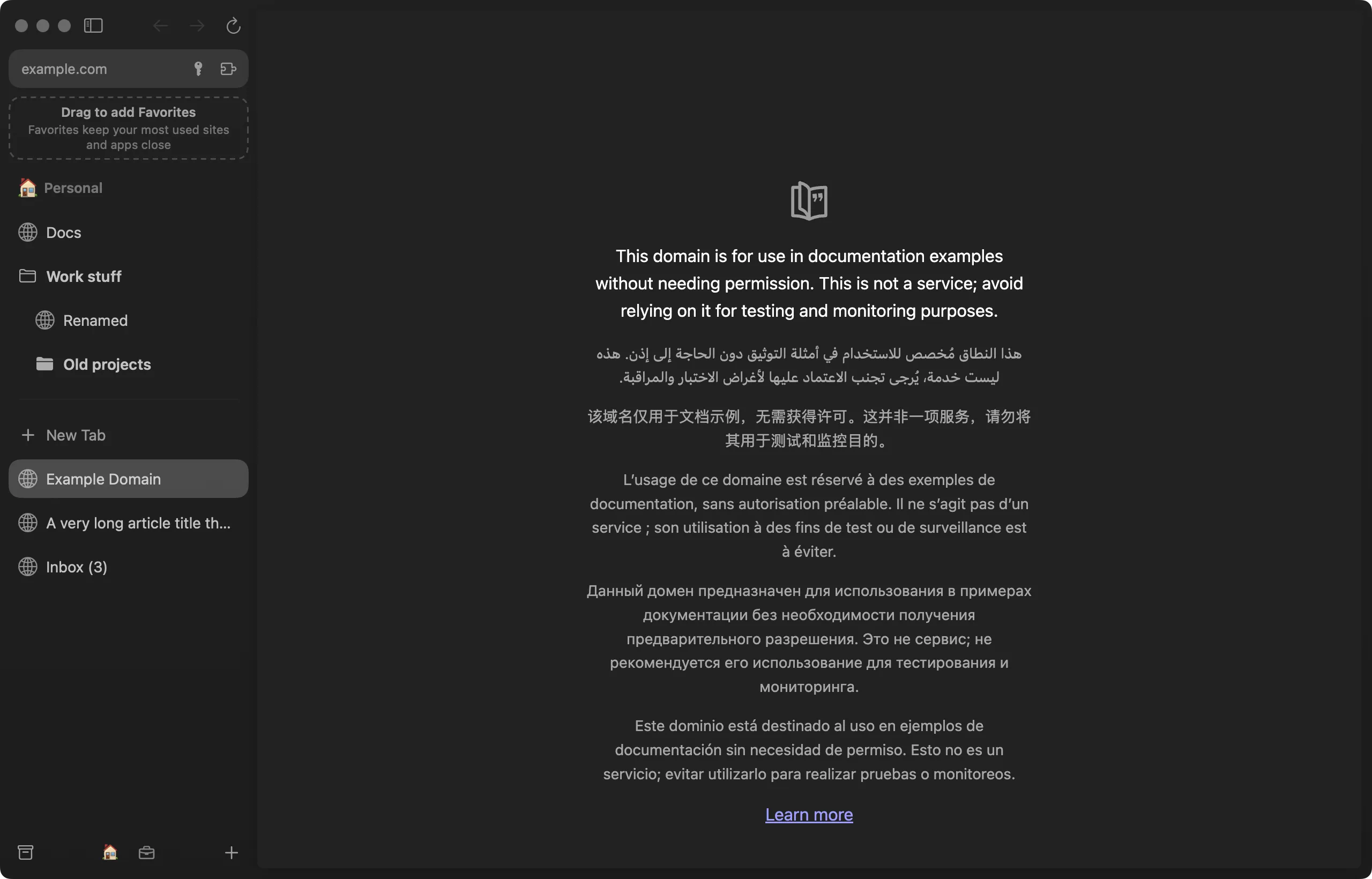
What it does
- Arc’s sidebar. Spaces for each part of your life, folders, pinned tabs, Favorites, split view, Peek, Little Kite windows and a command bar that learns your picks.
- Comes from Arc in one step. Import finds Arc’s data on its own and brings your spaces, tabs, folders, profiles, Air Traffic Control routes and extensions, and, if you tick it, your sign-ins.
- Chromium underneath. Sites work as they do in Chrome, including DRM video. Extensions install from the Chrome, Edge, Opera, Firefox or Safari stores, with password managers such as 1Password.
- Claude built in. Claude can browse for you in tabs of its own, filed in a Claude folder so they never mix with yours. When a step needs you, such as a password or a payment, Kite takes you to it and rings the button on the page. The Agents space runs Claude Code sessions next to your tabs.
- Light on the battery. Background tabs sleep and keep their history, and Energy Saver is on by default.
Windows
Kite for Windows is an early preview: the same sidebar on Chromium, behind the Mac version. Unzip it and runKite.exe; nothing is installed. It isn’t code-signed yet, so SmartScreen warns the first time (choose More info, then Run anyway), and it doesn’t update itself yet. Windows 10 or 11, 64-bit.